One instrument at a time
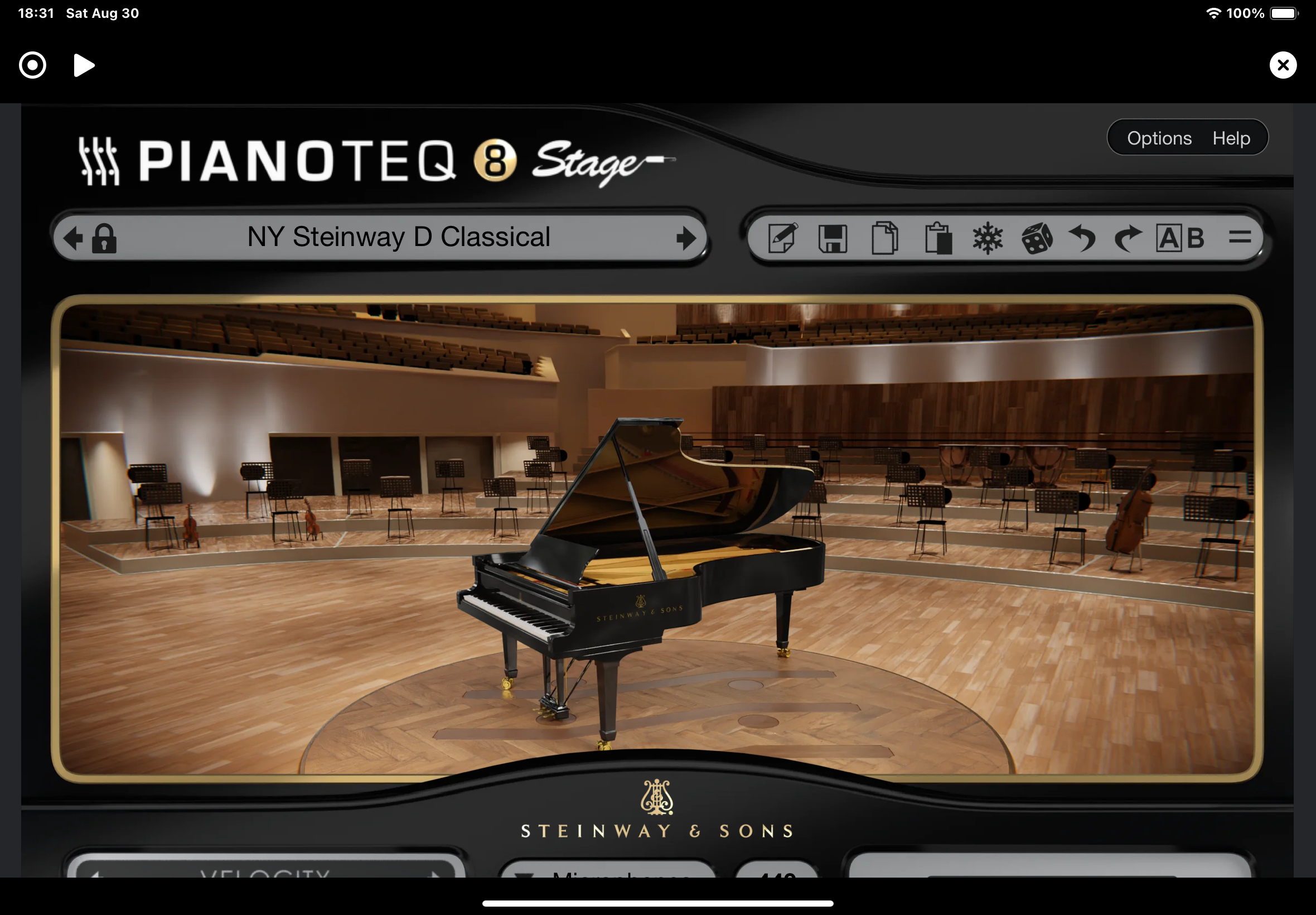
ML1 loads a single Audio Unit instrument. This isn't a limitation — it's a creative constraint that keeps you focused on playing, not preset browsing. Choose your sound, then make music.
The power of constraint
ML1 embraces the single-instrument philosophy. One instrument means you learn its nuances, explore its range, and create cohesive musical pieces.
No preset paralysis
With access to just one instrument at a time, you stop endlessly scrolling through sounds and start making music. The limitation becomes liberation.
Consistent sonic palette
All your loops share the same tonal foundation. This creates natural cohesion — your bass lines, melodies, and harmonies blend organically.
Works with your instruments
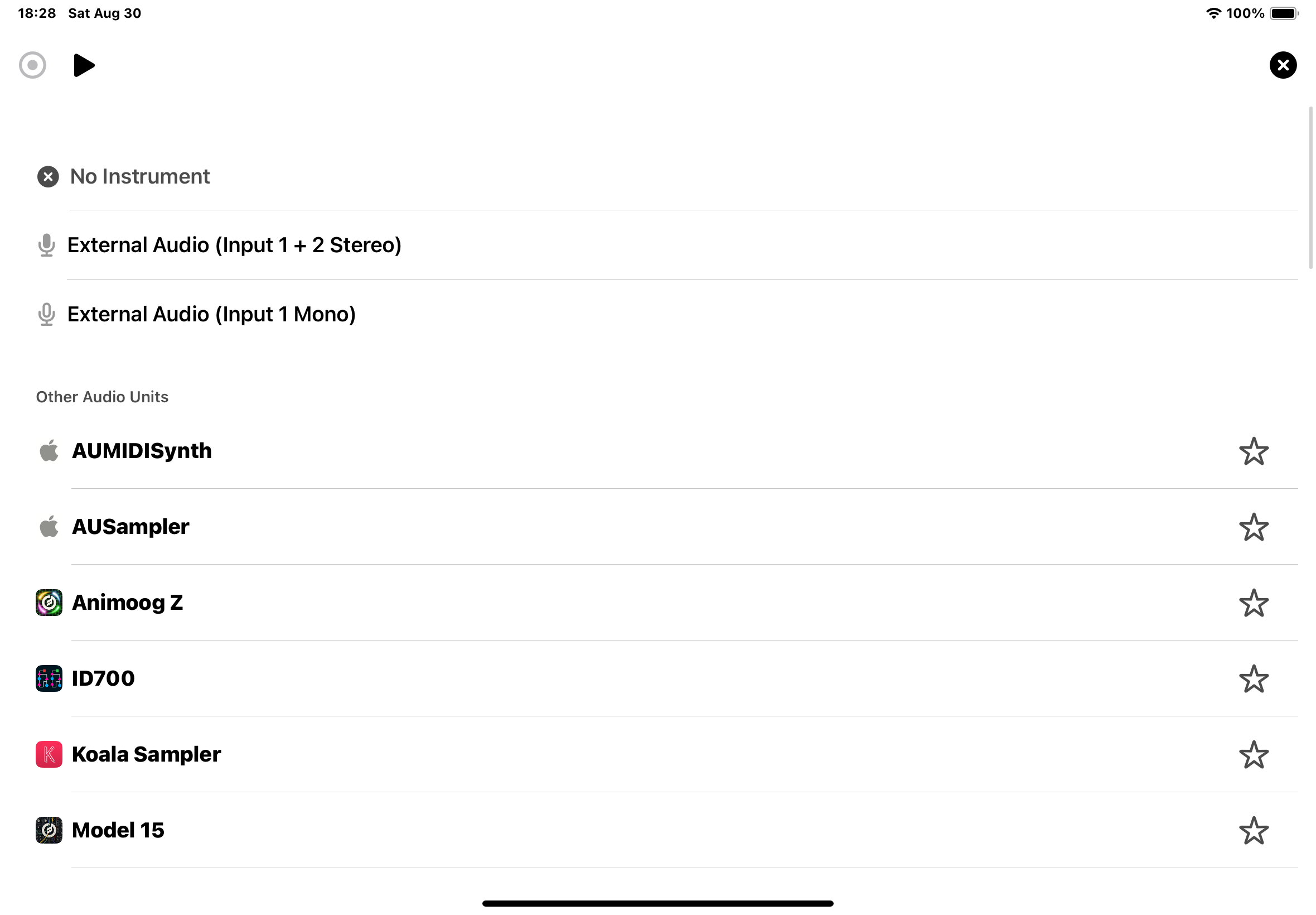
ML1 hosts any Audio Unit instrument available on your iPad. From vintage synth emulations to cutting-edge sound designers, if it's an AU, it works.
AUv3 instruments
Modern Audio Units load directly. Full preset support, parameter control, and state saving. Your favorite iPad instruments, instantly available.

Inter-App Audio
Legacy support ensures compatibility with older apps. If it makes sound on your iPad, ML1 can loop it.
One effect, carefully chosen
Like the instrument slot, ML1 provides a single effect slot. Add reverb for space, delay for rhythm, or distortion for grit. One effect means you use it musically, not as a crutch.

The effect processes your entire mix. This creates a cohesive sound space where all loops exist together, just like running through a single pedal or amp.
Simple workflow

Load your instrument
Browse your Audio Units, tap to load. The instrument appears inline, ready to play. No complex routing, no channel strips — just your chosen sound.

Dial in your sound
Adjust parameters directly in ML1. Find the sweet spot for your performance. When you save a session, your exact instrument state is preserved.
Play and loop
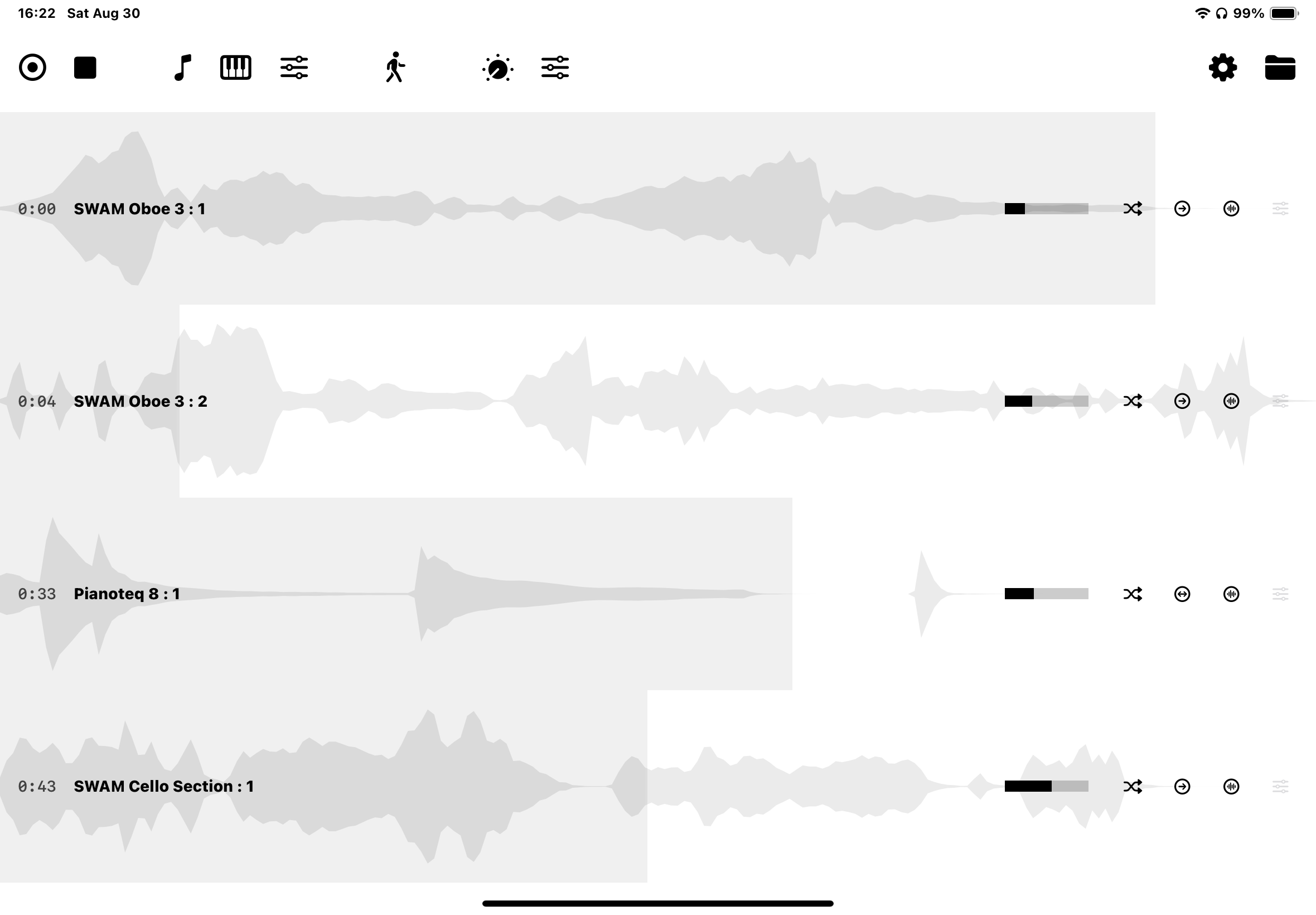
With your sound ready, focus on the music. Every loop you record captures your instrument's output. Change presets between loops if you want variety within the same instrument.
MIDI control
Connect any MIDI controller to play your Audio Unit. ML1 routes MIDI transparently — no configuration needed. Your controller talks directly to your instrument while ML1 captures the audio output.
Remember: ML1 records audio, not MIDI. This means you capture your actual performance — timing, velocity, expression — not data that might play back differently later.
Technical benefits
- Single instrument means predictable CPU usage
- No plugin conflicts or routing complexity
- Instant loading — no massive project files
- Clear audio path from instrument to loops
- Reliable performance during live use